
Best Spend Management Tools for Startups in 2026 + Deals

Software subscriptions, supplier invoices, employee travel, and international payments can quickly become a lot to manage. As your startup grows, keeping track of who spent what—and whether it was approved—takes more than a spreadsheet.
The right spend management tools for startups bring spending information and payment controls into one place. Depending on the platform, they can help you manage recurring subscriptions, set card limits, collect receipts, and connect transaction details to your accounting software.
But different platforms solve different problems. A startup managing a growing software budget has different priorities from a company paying suppliers overseas or reviewing employee expenses across several departments.
In this guide, we compare NachoPay by NachoNacho, Revolut Business, Airwallex, Ramp, Brex, and Mercury, including their features, pricing, and available savings.
Best Spend Management Software for Startups at a Glance
| Platform | Best fit | Starting price* | Deals and savings |
| NachoPay by NachoNacho | SaaS subscriptions and recurring vendor payments | Free with a Basic account; up to 5 NachoCards, subject to approval | Additional savings on eligible marketplace purchases |
| Revolut Business | International spending, currency management, and team cards | From $10/month | $100 welcome bonus |
| Airwallex | Global payments and expenses across currencies | Free Explore plan | $300 cashback + $50,000 in free FX conversions |
| Ramp | Corporate cards, spending controls, and expense automation | Free plan | $1,000 signup bonus |
| Brex | Growing teams with expenses, travel, and multiple entities | $0/user/month | Up to 75,000 points |
| Mercury | Business banking with team spending and bill payments | $0/month for core services | $100 bonus with a qualifying deposit |
US pricing where applicable. Starting prices do not include every feature or transaction fee. Offers have eligibility requirements; see the details below and each linked listing.
This shortlist includes NachoNacho’s own product, NachoPay, alongside platforms available through our marketplace. Our comparison considers published spending controls, international capabilities, integrations, pricing, and offer terms.
What Is Spend Management Software?
Spend management software helps businesses control, track, and organize company spending. Depending on the platform, that can include subscription payments, corporate cards, purchase approvals, employee reimbursements, supplier payments, and expense reporting.
Expense management usually focuses on recording and reviewing employee purchases. Spend management also covers decisions made before a purchase, such as setting budgets, assigning card limits, and approving requests.
For a startup, the practical benefit is straightforward: employees know what they can spend, and the person managing finances can see where the money is going.
NachoPay by NachoNacho: For SaaS Subscriptions and Recurring Spending
Best for: Startups that want to organize software payments, control spending by vendor, and access marketplace savings.
What Is NachoPay?
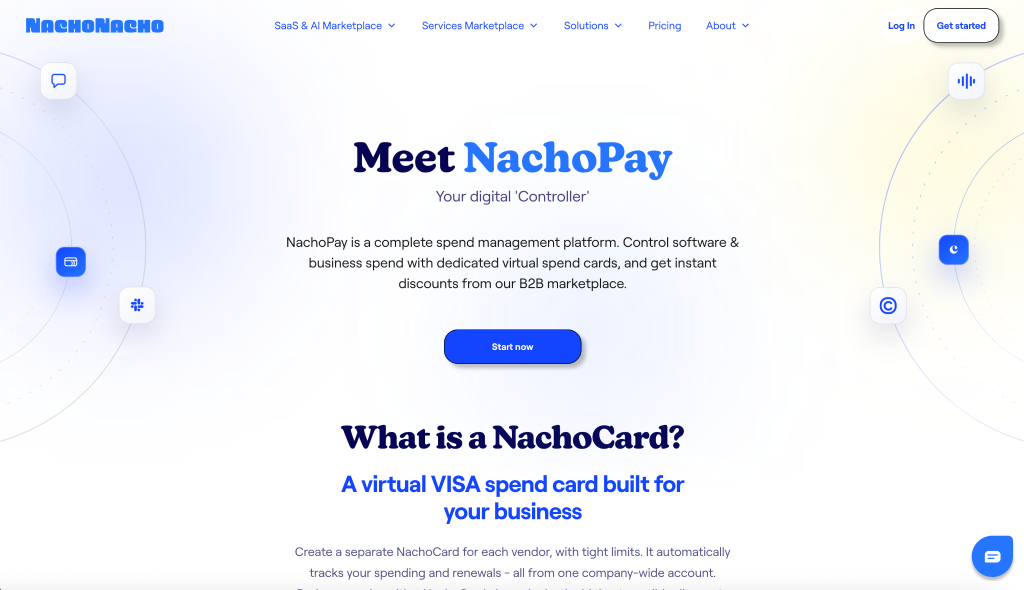
NachoPay is NachoNacho’s payments and spend management product. It lets businesses manage subscriptions and other payments using dedicated NachoCards, with spending information brought together in one account.
For startups adding new software as their teams grow, this creates a practical way to keep individual vendor payments organized.
Key Features
Dedicated virtual cards for subscriptions
Assign a separate NachoCard to a subscription or vendor and set its spending limit. You can pause or cancel that card when you need to stop using it, without changing the payment details for other vendors.
Centralized payment visibility
View charges across your NachoCards in one account and statement. This helps you review recurring spending without gathering transactions from several different cards.
Marketplace savings
Eligible marketplace purchases can unlock additional savings when paid with NachoPay. Discount amounts, redemption methods, and eligibility vary by offer, so review the product listing before purchasing. See how marketplace discounts work.
Connections for AI assistants
NachoNacho’s API and MCP integration let connected AI tools retrieve transactions, summarize spending, and create or manage NachoCards. Spend management access requires an account approved for NachoCards. Explore the available integrations.
Pros and Cons
Pros: Gives recurring vendors their own payment controls; combines subscription spending visibility with access to marketplace savings.
Cons: The free Basic account is limited to five NachoCards. Savings depend on the individual offer and your eligibility.
Pricing
NachoPay can be added to a free NachoNacho Basic account after identity verification and approval. Basic users are limited to five NachoCards.
Savings With NachoPay
Use NachoPay to manage your software payments and access additional savings on eligible marketplace purchases. Some offers require a particular membership tier or are available only to new customers.
Explore NachoPay by NachoNacho.
Revolut Business: For Startups Managing International Spending
Best for: Startups that want currency management, business payments, and team spending tools in one platform.
What Is Revolut Business?
Revolut Business combines business accounts, domestic and international payments, corporate cards, and expense management.
For startups working across borders, its appeal is the connection between these features. You can manage currency balances, pay suppliers, and oversee employee purchases within the same platform.
Key Features
Multi-currency business account
Revolut Business supports holding and exchanging more than 25 currencies. That makes it relevant for startups paying overseas suppliers or managing revenue and expenses in different currencies. Exchange allowances and fees depend on your plan and activity.
Physical and virtual corporate cards
Give team members cards with controls around spending limits, categories, currencies, and spending periods. For example, a startup can set a monthly allowance for software purchases and a separate limit for employee travel.
Expense capture and categorization
Revolut’s expense tools can extract information from uploaded receipts and suggest details such as accounting categories and descriptions. Your team can review those suggestions before submitting the expense. See how expense auto-filling works.
Approvals and accounting connections
Accounting integrations help keep transaction records connected to your books. Grow and higher plans add custom approvals, bill management, and other controls for businesses with more complex spending needs.
Pros and Cons
Pros: Combines international payments, currency balances, and employee spending tools; offers card controls across its business plans.
Cons: Monthly subscriptions, exchange allowances, and transfer fees need to be considered together. Some approval and bill management features require an upgraded plan.
Pricing
US plans start at:
- Basic: $10/month.
- Grow: $40/month.
- Scale: $140/month.
- Enterprise: Custom pricing.
Compare your expected currency conversions and international transfers against the included allowances when choosing a plan. View Revolut Business pricing.
Revolut Business Deal on NachoNacho
Eligible new US Revolut Business customers can receive a $100 welcome bonus after opening an account through the NachoNacho offer and depositing at least $0.01.
The offer expires December 31, 2026. Exclusions and additional terms apply; the bonus is paid by Revolut.
Explore the Revolut Business offer on NachoNacho.
Revolut is not a bank. Banking services are provided by Lead Bank, Member FDIC.
Airwallex: For Global Payments and Team Expenses

Best for: Startups managing supplier payments and employee spending across countries and currencies.
What Is Airwallex?
Airwallex brings global accounts, payments, corporate cards, expenses, and bill management into one platform. Its spend management tools suit businesses that need to coordinate purchases across international teams.
Key Features
Global accounts and payments
Manage currency balances and international payments alongside your spending workflows.
Cards with spending controls
Issue employee and team cards with limits and rules that help define how company funds can be used.
Expense and bill management
Collect receipts, route approvals, process supplier invoices, and connect spending records to accounting systems such as QuickBooks, Xero, and NetSuite. Capabilities vary by plan.
Pros and Cons
Pros: Connects international payments with cards, expenses, and bills; supports businesses operating across multiple entities.
Cons: Advanced controls can require a paid plan, and total costs may include platform, user, and transaction fees.
Pricing
- Explore: Free plan, subject to included limits.
- Grow: $12/user/month, plus a platform fee based on team size.
- Accelerate: Custom pricing.
View Airwallex pricing and plan limits.
Airwallex Deal on NachoNacho
NachoNacho lists $300 cashback plus $50,000 in free FX conversions for eligible new Airwallex accounts. Review the redemption requirements and applicable terms before signing up.
Explore the Airwallex offer on NachoNacho.
Ramp: For Corporate Cards and Expense Automation
Best for: Startups that want more control over employee purchases and less manual expense administration.
What Is Ramp?
Ramp combines corporate cards, expense management, bill payments, and accounting automation. Its features help finance teams establish purchasing rules and collect the information needed to review spending.
Key Features
Controls before purchases happen
Set card limits and spending policies around amounts, merchants, and categories.
Receipt collection
Employees can submit receipts through familiar channels, including SMS and Slack, helping keep supporting documents connected to expenses.
Approvals and accounting workflows
Route expenses for review and sync transaction information with accounting software. Available integrations and workflow controls depend on the plan.
Pros and Cons
Pros: Offers a free starting plan and connects card spending with receipt collection and expense review.
Cons: Advanced workflows and some integrations require paid plans. Ramp Plus includes a platform fee in addition to its user price.
Pricing
- Ramp Free: $0/user/month.
- Ramp Plus: $15/user/month, plus a platform fee.
- Enterprise: Custom pricing.
Ramp Deal on NachoNacho
Eligible new customers can earn a $1,000 signup bonus by completing one of the qualifying activities within 90 days: spending and repaying at least $1,000 on a Ramp Card, or paying at least three bills through Ramp Bill Pay.
Review the Ramp offer and full requirements on NachoNacho.
Brex: For Growing Teams With More Complex Spending
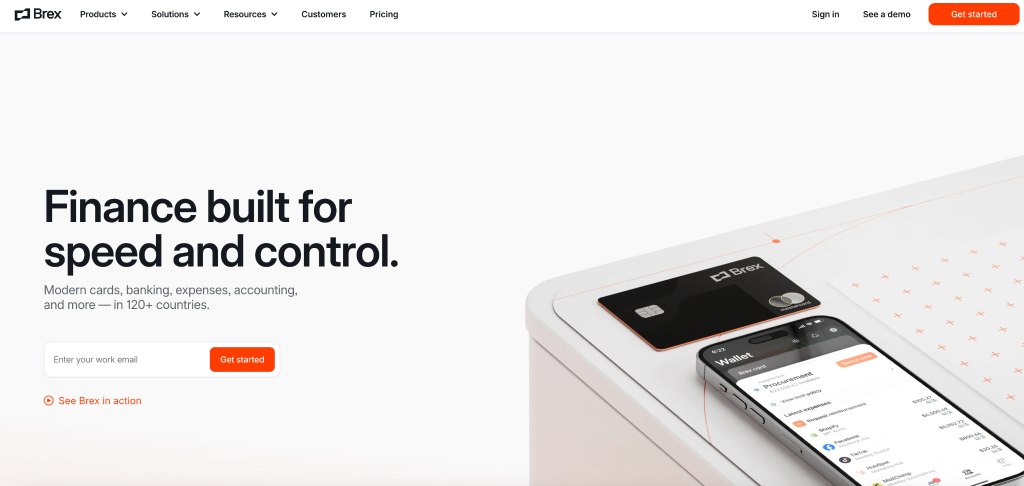
Best for: Startups that need corporate cards, travel, reimbursements, and increasingly detailed spending policies.
What Is Brex?
Brex provides corporate cards and expense management tools that help companies organize employee spending as their teams grow.
It is worth considering when expenses involve several departments, different approval requirements, or multiple business entities.
Key Features
Expense policies and documentation
Set expectations for spending limits, required receipts, and approvals.
Receipt matching and review
Connect receipts and expense details to transactions, with tools to identify purchases that need attention.
Travel and multi-entity capabilities
Brex combines travel booking with expense workflows. Higher plans add more advanced policies, approval chains, and support for managing multiple entities.
Pros and Cons
Pros: Brings cards, expenses, reimbursements, and travel into one system; offers a path to more advanced controls as the business grows.
Cons: More detailed approval workflows and international entity management may require a paid plan.
Pricing
- Essentials: $0/user/month.
- Premium: $12/user/month.
- Enterprise: Custom pricing.
Brex Deal on NachoNacho
Eligible new customers can earn up to 75,000 points: 50,000 points after a qualifying $100,000 deposit and another 25,000 points after $3,000 in card spending.
Review the Brex offer and eligibility requirements on NachoNacho.
Mercury: For Banking and Everyday Team Spending
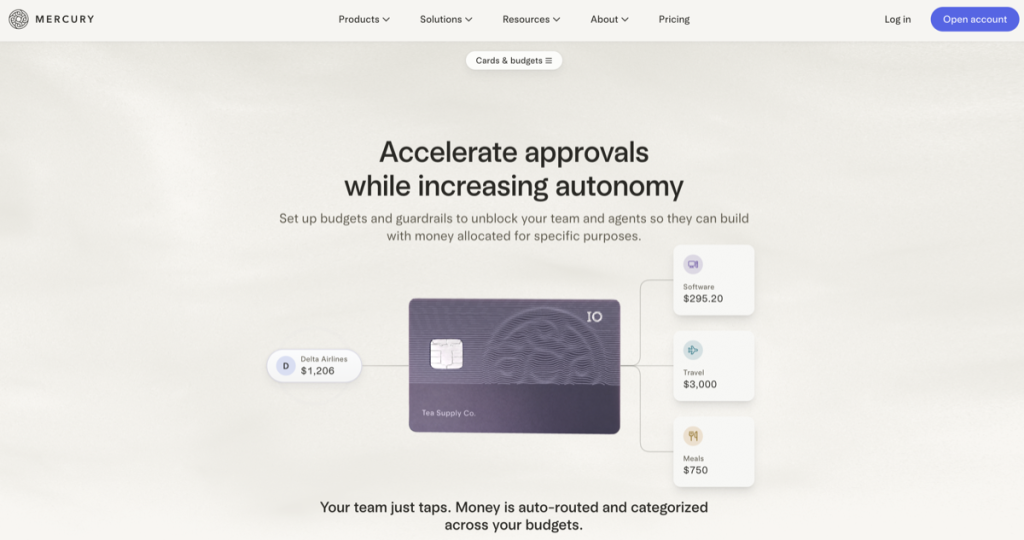
Best for: Startups that want business banking, employee spending, and bill payments connected in one platform.
What Is Mercury?
Mercury combines business banking services with cards, expenses, reimbursements, and payment workflows. Banking services are provided through partner banks.
Its spend management features are particularly relevant for teams that already use Mercury for their business accounts.
Key Features
Team cards and budgets
Assign cards and create budgets for purposes such as travel, equipment, or software purchases.
Expense policies
Set receipt and documentation requirements, manage team permissions, and organize reimbursements. See Mercury’s spend management setup guide.
Bill payments and accounting
Collect supplier bills, review approvals, and schedule payments while keeping records connected to accounting workflows. Explore Mercury Bill Pay.
Pros and Cons
Pros: Connects everyday banking with team expenses and supplier payments; core services have no monthly subscription fee.
Cons: Some advanced workflows require a paid plan, and international transactions can carry additional fees.
Pricing
Core banking and financial tools start at $0/month. Paid plans start at $35/month and provide additional capabilities.
View Mercury pricing and transaction fees.
Mercury Deal on NachoNacho
Eligible new customers can receive $100 after making a qualifying deposit of $10,000 or more, subject to the offer’s terms.
Explore the Mercury offer on NachoNacho.
How to Choose Spend Management Software for Your Startup
Start with the purchases and payments your business makes every month.
If software subscriptions and recurring vendor charges are your main concern, start with NachoPay. Dedicated cards and individual spending limits help you organize those payments, while eligible marketplace offers can reduce software costs.
If you frequently pay international suppliers or manage several currencies, compare Revolut Business and Airwallex. Look at exchange costs, transfer allowances, card controls, and the approval features included in each plan.
If employee purchases and expense reviews take up most of your time, look closely at Ramp and Brex. Compare how employees submit receipts, how approvals work, and what information reaches your accounting software.
If you want spending tools connected to your everyday business accounts, consider Mercury. For a broader comparison of account options, read our guide to the best business banking tools.
Before choosing, take one real purchase through the workflow. Check how you set its budget, make the payment, review the transaction, and get the information you need for your records. Confirm which steps are included in the plan you would actually buy.
For a closer look at managing software costs, explore our SaaS spend management guide.